Press and hold the feeder’s reset or Wi‑Fi button for 5–10 seconds. Then re-add it in the Petlibro app and restore your schedule.
If you have wondered how to reset petlibro automatic cat feeder, you are in the right place. I work with these units often and know the snags that show up. This guide shares clear steps, model tips, and pro fixes. Read on for a smooth, safe reset and a fast setup you can trust.
Why and when to reset your Petlibro feeder
A reset solves many small issues fast. It helps after Wi‑Fi changes, power cuts, app errors, or false jams. It can also clear odd feeding times or stuck voice prompts. If you want to know how to reset petlibro automatic cat feeder without guesswork, start here.
From my own use, resets saved two foster-room feeders after an outage. Both lost time sync and portions. A quick reset and re‑pair fixed it in minutes. Keep calm and follow the steps below.
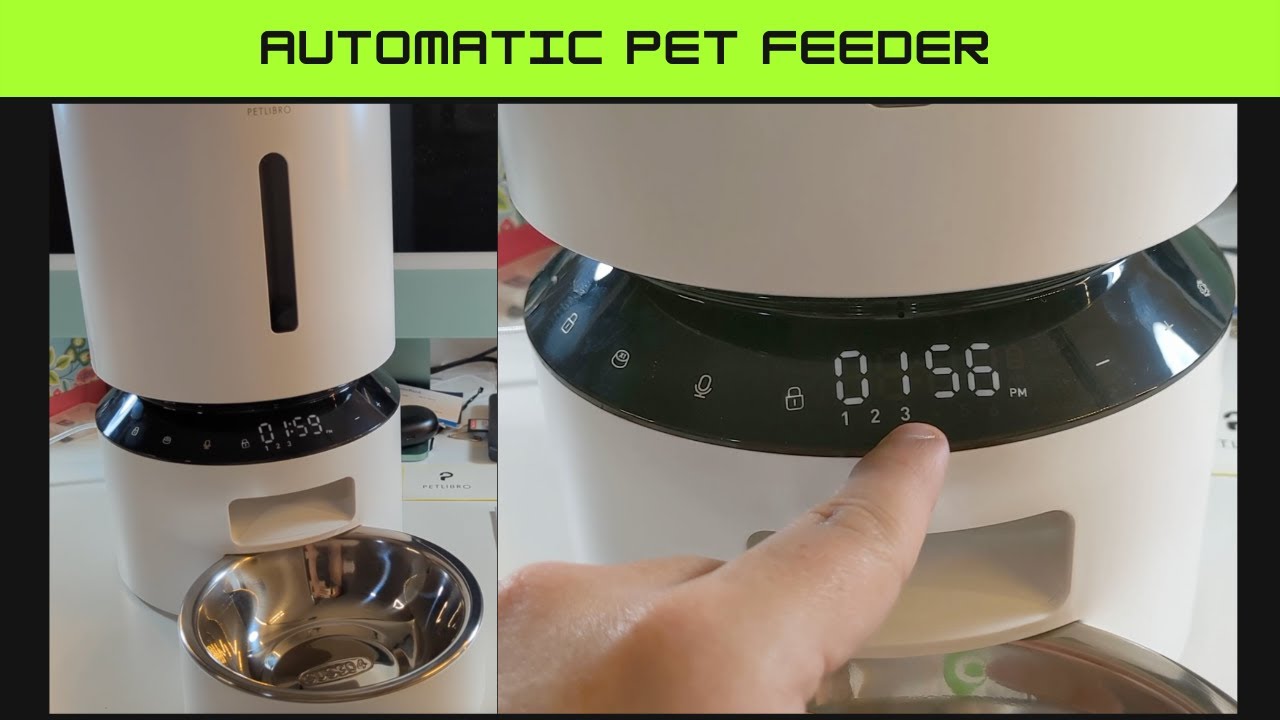
Source: youtube.com
Quick steps: how to reset Petlibro automatic cat feeder (general)
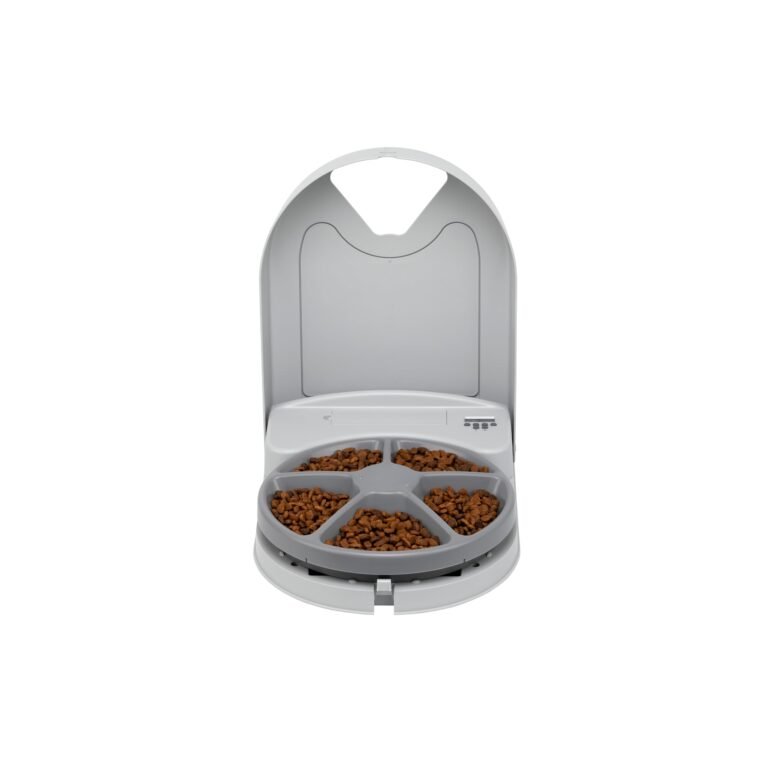
Use this safe, general flow first. It works on most Petlibro Granary and Wi‑Fi models. If you ask how to reset petlibro automatic cat feeder in a hurry, try these steps.
- Pause feeding. In the app, pause schedules so it does not dispense mid‑reset.
- Power cycle. Unplug the adapter. Remove batteries if you use them. Wait 30 seconds.
- Restore power. Plug in and reinsert batteries. Let the unit boot.
- Factory reset. Press and hold the reset or Wi‑Fi button for 5–10 seconds. Watch for a voice cue or fast blinking light.
- Re-add in app. Open the Petlibro app. Tap Add Device and follow prompts.
- Rebuild schedule. Set time, meals, portions, and voice clip. Test a manual feed.
Tip: If you are unsure where the button is, check the base, back, or inside the battery door. The icon often looks like Wi‑Fi or a small dot. When in doubt, see your model’s user guide.
Source: zendesk.com
Model-specific methods you can trust
Different Petlibro feeders reset in slightly different ways. Below are the common patterns I have seen. If you search how to reset petlibro automatic cat feeder by model, match your unit to these cues.
Non‑Wi‑Fi Granary models
- Do a power cycle first.
- Hold the Feed button for 10 seconds to clear feeding plans on some units.
- If there is a pinhole labeled Reset, press and hold it 5–10 seconds with a paperclip.
Wi‑Fi Granary models
- Hold the Wi‑Fi button 5–10 seconds until the LED flashes fast.
- Delete the device in the app. Then add it again like new.
- Update firmware in the app after setup.
Camera feeder models
- Look for a Reset pinhole near the camera or port area.
- Hold 5–10 seconds until you hear a voice prompt.
- Reconnect to Wi‑Fi in the app and test live view and feed.
Notes from the field: On one Wi‑Fi model, my reset only worked after I removed the batteries as well as the cable. A full power drain made the button respond as expected.
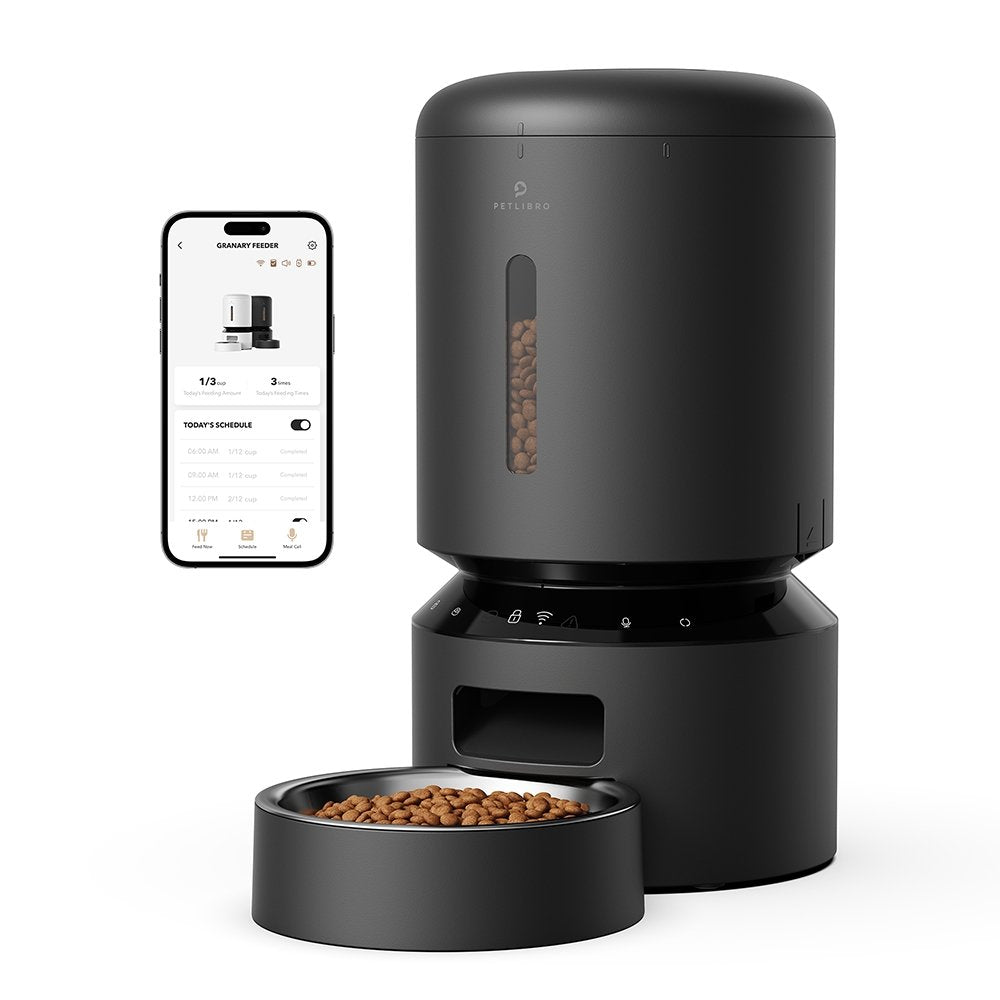
Source: petlibro.com
Resetting Wi‑Fi and app connection
Many people ask how to reset petlibro automatic cat feeder after changing routers. Use the steps below to refresh your link.
- Change Wi‑Fi only:
- In the Petlibro app, go to your device.
- Open Settings, then Wi‑Fi or Device Info.
- Choose Change Network and follow the prompts.
- If it fails, hold the Wi‑Fi button to enter pairing mode. Try again.
- Full remove and re‑add:
- In the app, tap Remove Device.
- Hold the reset or Wi‑Fi button for 5–10 seconds.
- Add the feeder again. Set time and schedules fresh.
- Time sync tip:
- After a reset, open the device page and tap Sync Time if shown.
- This stops meals from drifting a few minutes each day.
If you still need help on how to reset petlibro automatic cat feeder for Wi‑Fi, verify you are on 2.4 GHz, not 5 GHz. Keep your phone and feeder near the router during pairing.
Source: zendesk.com
After the reset: setup and testing
The job is not done until you test feeds. If you came here to learn how to reset petlibro automatic cat feeder end‑to‑end, this is the final mile.
- Set clock and time zone. Your meal times depend on this.
- Recreate meals. Start small and match your cat’s routine.
- Calibrate portions. Weigh one manual feed to see grams per portion. Adjust.
- Re‑record voice prompt. Keep it short and calm. Test the volume.
- Run two test feeds. Check for clumps, double drops, or noise.
Personal tip: I place a silicone mat under the bowl and take a quick video of a test feed. If something is off later, I compare results and fix fast.

Source: petlibro.com
Troubleshooting when a reset does not work
Sometimes a feeder still acts up. Here is how to fix common blocks. If you still wonder how to reset petlibro automatic cat feeder when buttons fail, use these checks.
- No lights or beeps
- Confirm the outlet works.
- Try without batteries, then with fresh ones.
- Button does nothing
- Hold longer, up to 12 seconds.
- Release when the light changes or you hear a voice cue.
- Won’t connect to Wi‑Fi
- Use 2.4 GHz only.
- Turn off VPNs on your phone.
- Reset router, then repeat pairing.
- Missed meals after reset
- Make sure the clock synced.
- Confirm the schedule is saved. Watch for a Save or Done prompt.
- Jam or no dispense
- Empty hopper and clean the chute.
- Use dry kibble 2–15 mm only.
- Wipe sensors with a dry cloth.
- App still shows old device
- Force close the app and reopen.
- Log out, log in, and try again.

Source: reddit.com
Maintenance habits that prevent future resets
Good care reduces errors and resets. If you landed here for how to reset petlibro automatic cat feeder, add these habits to stay ahead.
- Clean every 2–4 weeks. Wash the bowl and chute parts. Dry fully.
- Use dry, uniform kibble. Avoid oily or sticky pieces.
- Keep the lid locked. Moisture causes clumps and jams.
- Replace batteries twice a year. They back up during outages.
- Update firmware in the app when offered.
These small steps keep drops smooth and timing sharp. Your cat eats on time, and you relax.

Source: petlibro.com
Frequently Asked Questions of how to reset petlibro automatic cat feeder
How long should I hold the reset button?
Hold for 5–10 seconds until the light flashes fast or you hear a prompt. If nothing happens, try up to 12 seconds after a full power cycle.
Will a factory reset erase my schedules and voice clip?
Yes, a full reset clears local settings. Keep a photo or note of your meal plan so you can rebuild it fast.
How do I reset after changing my Wi‑Fi password?
Put the feeder in pairing mode by holding the Wi‑Fi button. In the app, remove the device, then add it again on 2.4 GHz Wi‑Fi.
Why won’t it dispense after I reset it?
The clock may be wrong or the schedule not saved. Sync time in the app, confirm meals, and run two manual tests.
Is there a way to reset without the app?
Yes, use the physical reset or Wi‑Fi button and a power cycle. You can then use the panel buttons to set time and meals on non‑Wi‑Fi models.
Do I need to unplug it before a reset?
It is safer to power cycle first. Unplug the adapter, remove batteries, wait 30 seconds, then proceed with the reset.
Can a reset fix a jammed feeder?
It can clear software errors, but not a physical jam. Empty the hopper, clean the chute, and use proper kibble size.
Conclusion
You now know how to reset petlibro automatic cat feeder with confidence. Use a power cycle, hold the reset or Wi‑Fi button, and rebuild your plan in the app. Test, fine‑tune portions, and keep a simple care routine.
Put these steps into action today. Your cat’s meals will be smooth, steady, and on time. Want more pet tech guides like this? Subscribe or leave a comment with your model, and I will help you dial it in.