Hold the AF200 reset for 8–10 seconds, then power-cycle and reprogram schedules.
If your feeder glitches, misses meals, or won’t pair, learning how to reset AF200 automatic pet feeder can save time and stress. I’ve set up and serviced dozens of smart feeders, and this step-by-step guide explains how to reset AF200 automatic pet feeder the right way, what each reset does, and how to test it so your pet never misses a meal.

What a reset actually does on the AF200
Before you press any buttons, it helps to know what you’re resetting. In most cases, a reset clears temporary errors, refreshes power, or wipes saved settings. When you know how to reset AF200 automatic pet feeder by type, you avoid losing data you want to keep.
There are three common reset levels you’ll see across AF200-style units:
- Soft reset. Power-cycle to clear temporary glitches without erasing meal times.
- Hard reset. Use a reset button or key combo to refresh firmware settings and clear minor memory issues.
- Factory reset. Wipes all schedules, voice recordings, time, and Wi-Fi pairing. Starts from zero.
On some AF200 models, a soft reset fixes motor stalls, stuck buttons, or weird beeps. A hard or factory reset is better for schedule corruption, clock drift, or failed Wi-Fi pairing.
Before you start: confirm your AF200 version
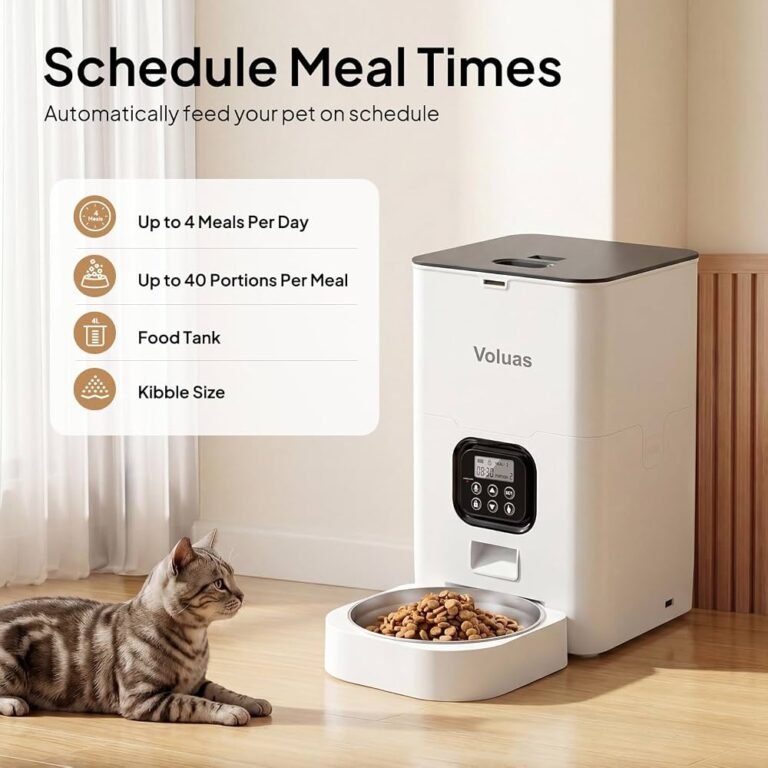
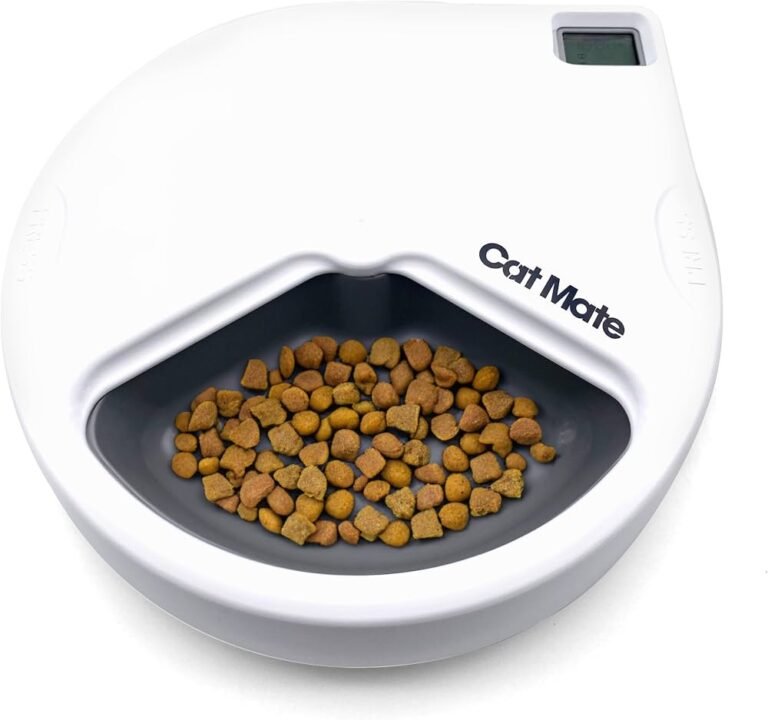
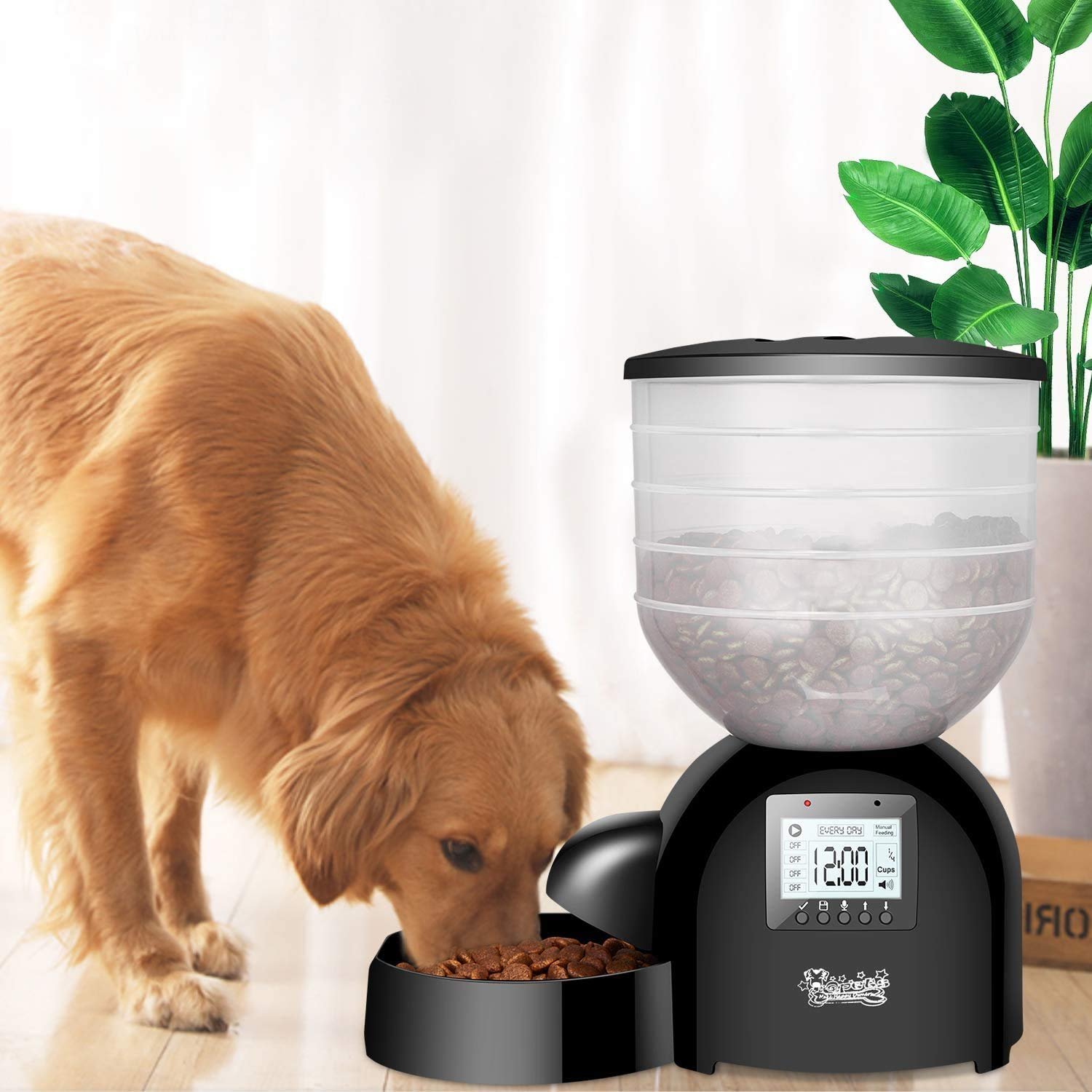
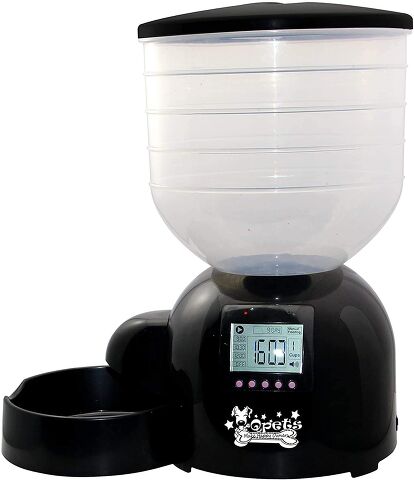
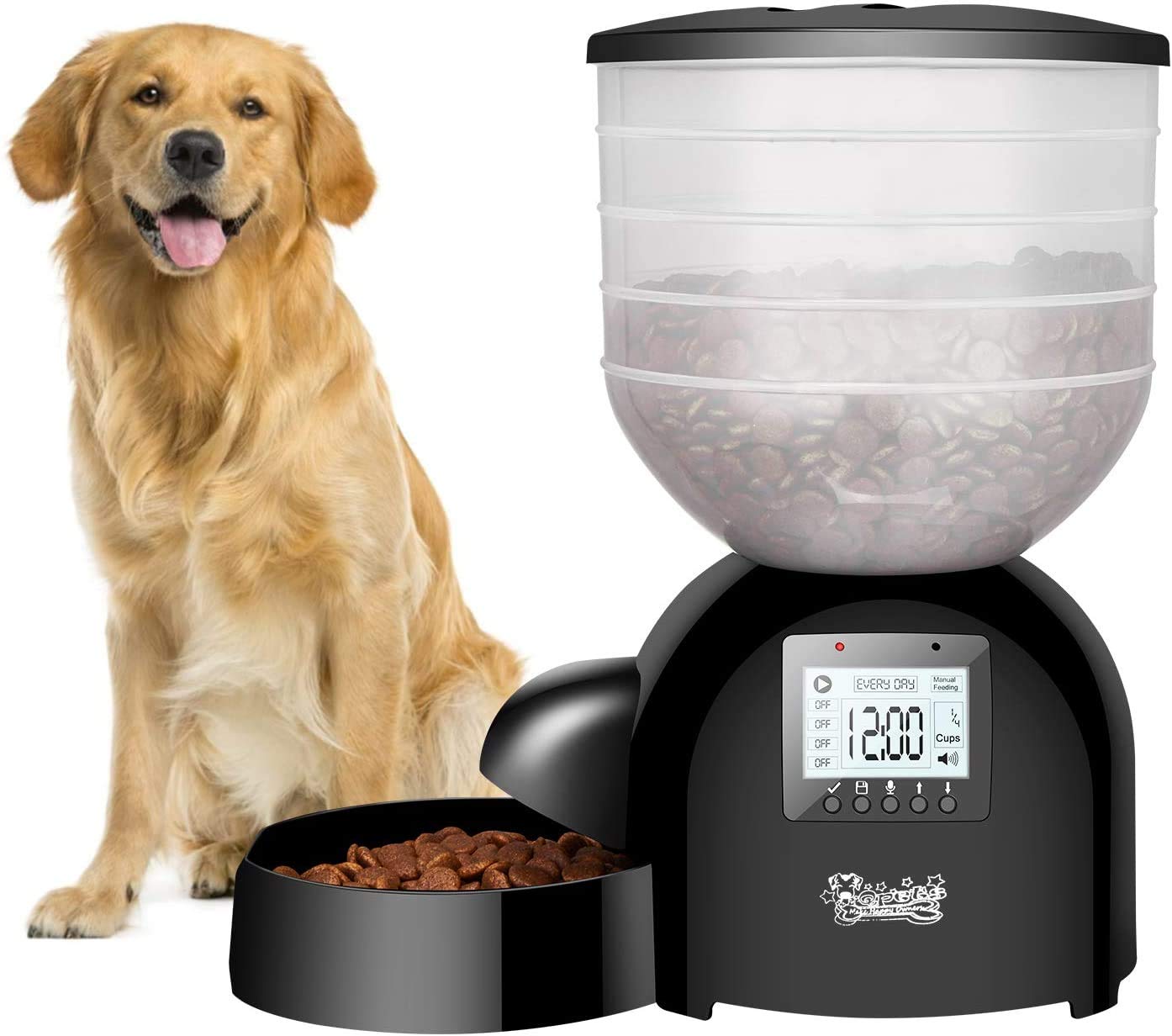
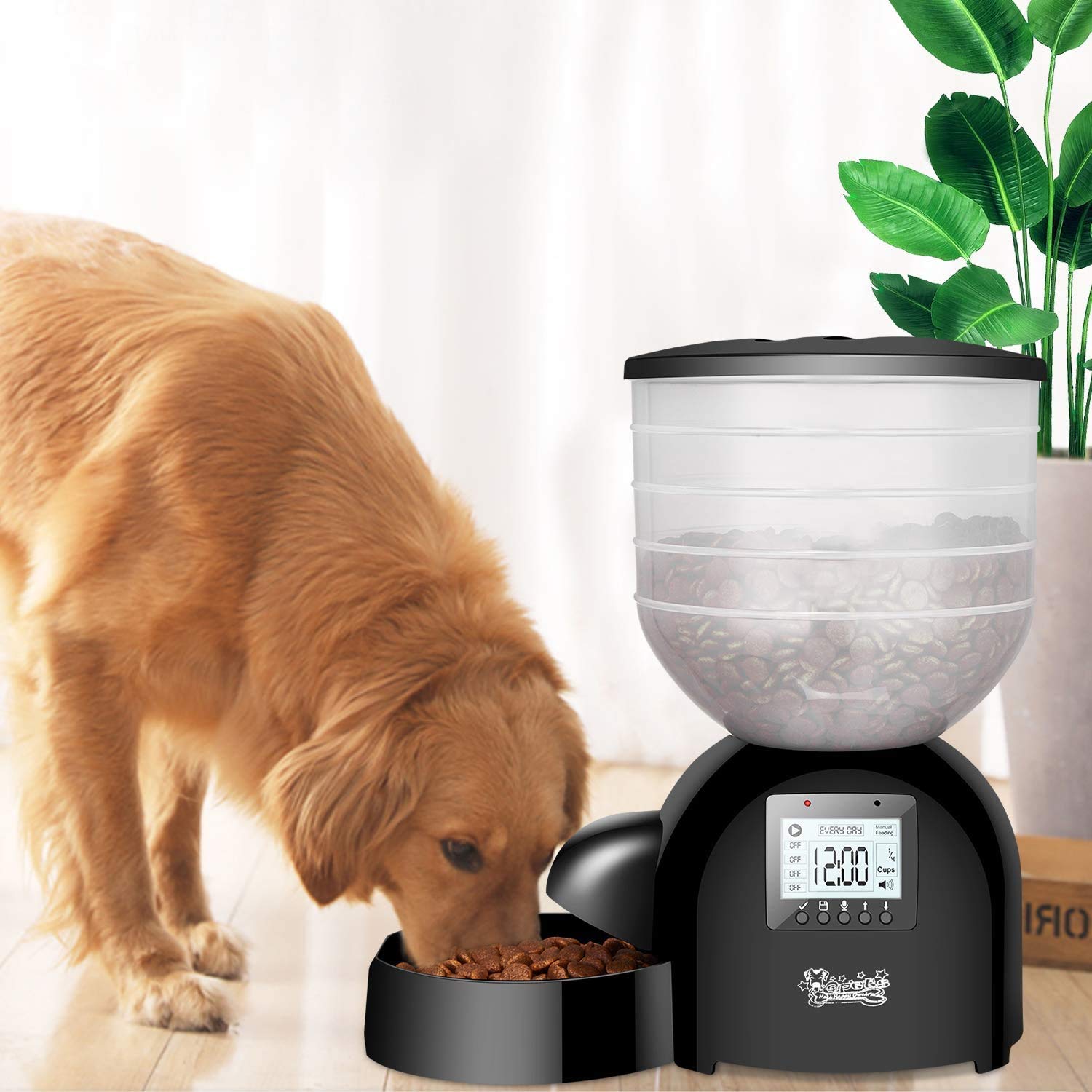
Not all AF200 feeders are identical. Some use an LCD with panel buttons. Others hide a pinhole reset near the DC jack or inside the battery bay. A few variants add Wi-Fi pairing and an app. Knowing how to reset AF200 automatic pet feeder starts with finding your exact version.
Do this first:
- Check the label under the base or near the battery door for the model code.
- Note if you have Wi-Fi or a basic panel. The steps change a bit.
- Back up your meal plan. Write down times, portions, and voice prompts.
- Gather what you need. Fresh AA batteries, the DC adapter, a paperclip, and dry cloth.
Small prep steps cut reset time. I learned to keep a note on my phone with each pet’s schedule. It makes reprogramming fast after a factory reset.

Step-by-step: soft reset (power cycle)
A soft reset solves most daily hiccups without wiping settings. It’s the first thing I try when a feeder skips a meal or the manual feed button lags. If you want a safe start on how to reset AF200 automatic pet feeder, begin here.
Follow these steps:
- Pause feeding. Pick a time between scheduled meals.
- Unplug the DC adapter from the feeder and the wall.
- Remove all batteries. Wait 60–90 seconds to clear residual charge.
- Inspect the chute and impeller. Remove crumbs or stuck kibble.
- Reinstall fresh batteries. Plug the adapter back in.
- Check the clock and next meal time. Run a manual feed test.
If the unit boots clean and shows the right time, you’re done. If it still acts odd, move to a hard reset.
Step-by-step: hard reset or factory reset
Sometimes you need a deeper reset to clear memory issues. This is where many folks search how to reset AF200 automatic pet feeder and stop at soft steps. Keep going for the full fix. Different AF200 versions do this in different ways.
For panel-button models:
- Power the feeder on.
- Hold the Set or Clock button for 8–10 seconds until the screen flashes or beeps.
- Release and wait for reboot. This often clears corrupted schedules.
- If you see “FAC” or a full wipe prompt, confirm to factory reset only if you’re ready to reprogram.
For pinhole reset models:
- Keep power connected.
- Press and hold the reset pin with a paperclip for 5–10 seconds.
- Release when the lights blink or you hear a tone.
For Wi-Fi variants:
- Open the app and delete the device if it’s stuck in pairing.
- Hold Wi-Fi or Pair for 5–7 seconds until a blinking light shows setup mode.
- Re-add the feeder in the app and reconnect to 2.4 GHz Wi-Fi.
After any hard or factory reset, re-enter:
- Date and time.
- Meal times and portions.
- Voice message.
- Wi-Fi pairing if supported.
Tip from the field: after a factory reset, I always run a full-day dry test with an empty hopper and a bowl on a scale. It confirms portions match what you expect before your pet relies on it.

After the reset: test feeding and reprogram schedules
Now confirm that feeding works. This part matters most. If you came here to learn how to reset AF200 automatic pet feeder, testing is how you make sure the reset did its job.
Check these items:
- Manual feed. Press the manual feed button and see if kibble drops.
- Portion accuracy. Use a kitchen scale for two or three test drops.
- Schedule timing. Set a test meal for five minutes ahead and watch it trigger.
- Voice prompt. Record a short, clear message and play it back.
- Power redundancy. Install batteries even if you use AC power.
If anything fails, repeat the hard reset once. Persistent issues can mean a jammed impeller, low batteries, or a faulty motor that needs service.
Troubleshooting if reset fails
A reset will not fix hardware wear or a deep firmware fault. When people ask how to reset AF200 automatic pet feeder but still see errors, these checks usually find the cause.
Try these fixes:
- Buttons unresponsive. Clean around the keys with a dry cotton swab. Look for stuck debris.
- Kibble jam. Empty the hopper. Vacuum crumbs. Wipe the chute dry. Use the right kibble size.
- Clock drifts fast. Replace batteries. Keep the adapter on a surge protector.
- Motor hums, no drop. Check for a lodged kibble under the impeller. Rotate gently with the unit off.
- Random restarts. Inspect the DC plug fit. Try a known-good adapter with matching voltage and amps.
If none of that helps, contact support with your model code, serial number, and a short video of the issue. That speeds up warranty help.
Maintenance tips to avoid frequent resets
Good upkeep cuts down on glitches and keeps feeding steady. This is the long-term side of how to reset AF200 automatic pet feeder, because fewer resets mean fewer surprises.
Build these habits:
- Clean monthly. Empty, wipe dry, and clear the chute and impeller.
- Use proper kibble. Mid-size, dry kibble flows best. Avoid oily treats in the hopper.
- Protect power. Use a surge protector and fresh alkaline batteries.
- Update firmware. If your AF200 uses an app, install updates when prompted.
- Log your schedule. Keep a simple note in case you ever factory reset again.
These small steps prevent clogs, memory errors, and missed meals. Your pet gets routine, and you get peace of mind.
Frequently Asked Questions of how to reset af200 automatic pet feeder
How do I know if I did a factory reset correctly?
After a factory reset, the clock usually resets and all meal schedules disappear. If you can’t see any programmed meals, you’re ready to re-enter settings.
Will a soft reset erase my feeding times?
No. A soft reset or power cycle should not erase times on most AF200 units. It only clears temporary errors so the feeder can start fresh.
What if my AF200 has no reset button?
Some versions hide the reset inside the battery bay or near the DC jack. If you truly can’t find it, hold Set for 8–10 seconds or refer to the manual.
Why does my feeder still jam after I reset it?
Resets won’t fix physical blockages. Empty the hopper, clear the chute, and use dry kibble of the right size to keep food flowing.
Can I reset the Wi‑Fi without wiping my schedules?
Usually yes. Holding the Wi‑Fi or Pair button puts the feeder into setup mode without a full factory wipe. Reconnect in the app and keep your schedules intact.
How often should I reset the AF200?
You should not need regular resets. Use a soft reset only when you see glitches, and save factory resets for serious issues.
What should I do right after a factory reset?
Re-enter the time, meal schedule, and voice prompt. Then run one manual feed and a timed test meal to confirm the setup is correct.
Conclusion
A careful reset is often the fastest way to fix odd behavior and missed meals. Now that you know how to reset AF200 automatic pet feeder, you can pick the right reset level, reprogram it in minutes, and run simple tests to protect your pet’s routine. Put these steps into practice today, and share your results or questions so we can help you fine-tune your setup.